22 June 2026
Mastering Flight Route Reveal Edits in Under 10 Minutes

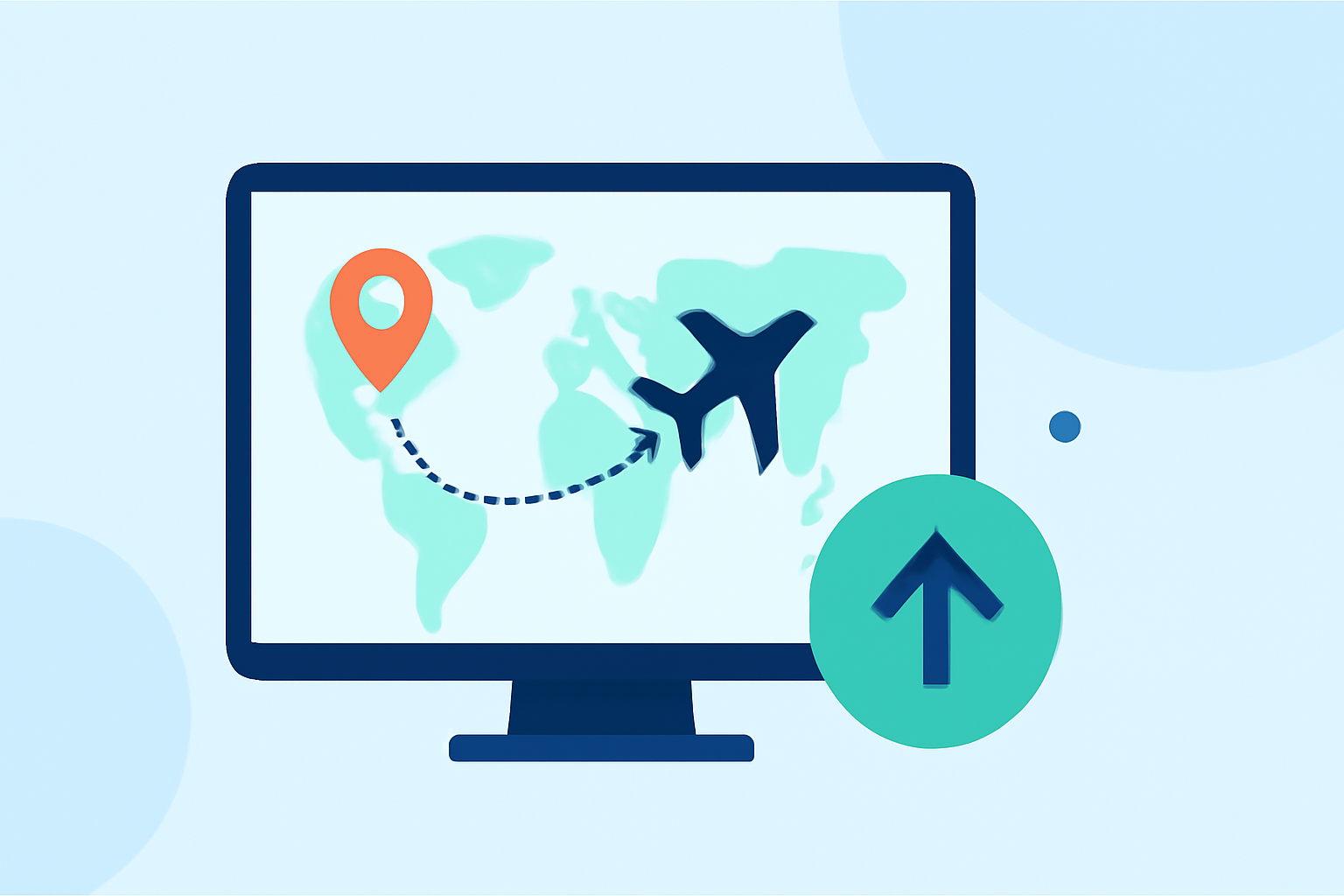
Creating engaging flight route animations can significantly enhance your travel content, providing viewers with a clear and dynamic visualization of your journey. With the right tools and a streamlined approach, you can produce professional-quality animations in under 10 minutes.
Understanding Flight Route Animations
Flight route animations depict the path of travel between destinations, often displayed on a map or globe. They are commonly used in travel vlogs, presentations, and educational content to illustrate the journey's progression.
Key Elements of Effective Flight Route Animations
- Realistic Path Representation: Utilize great circle arcs to accurately depict the shortest distance between two points on the globe.
- Animated Reveal: Animate the flight path drawing itself across the map, adding a dynamic element to the visualization.
- Destination Markers: Place animated markers at departure and arrival cities to highlight key locations.
- Map Customization: Choose map styles that complement your content's aesthetic, such as light, dark, or satellite views.
- Multi-Leg Itineraries: For complex journeys, animate each leg of the trip sequentially to build a comprehensive narrative.
Recommended Tools for Quick and Professional Animations
Several user-friendly tools allow you to create flight route animations efficiently:
How can I create animated routes on maps?
Mapimator
A browser-based tool that enables you to draw realistic great circle flight arcs and animate them across any world map. It supports multi-leg routes, airport markers, and 4K export, making it ideal for travel vlogs and aviation content. (mapimator.com)
Create 3D videos of your adventures 🥑🗺️️ AvoMap
FlyPath
An open-source application that allows you to add destinations, customize map styles, and export stunning fly-through videos of your journey directly in your browser. It offers multiple map styles and customization options for animation speed and route color. (flypath.vercel.app)
AnimateMyTravel
A free tool that lets you create professional 3D travel animations in seconds. It features a real-time 3D globe, custom vehicles, and 4K video export, perfect for social media platforms. (animatemytravel.com)
TravelAnimator: Journey Route for iPhone - Download
ReplayMyTrip
This platform turns your trips into cinematic stories by creating stunning animated route videos optimized for Instagram Reels, TikTok, and YouTube. It requires no editing skills and offers customization of map styles and transport modes. (replaymytrip.com)
TripReel - Travel Map Animation App | Trip Highlight Video Maker
TripReel
An app that automatically creates beautiful trip highlight videos and travel recap videos from your photos' locations. It features a journey route animator with stunning animated route maps and flight paths across a 3D globe. (tripreel.app)
Steps to Create a Flight Route Animation in Under 10 Minutes
- Select a Tool: Choose one of the aforementioned tools based on your specific needs and preferences.
- Input Destinations: Enter your departure and arrival cities, and any intermediate stops if applicable.
- Customize Map Style: Select a map style that aligns with your content's aesthetic.
- Adjust Animation Settings: Set the animation speed, route color, and any other available customization options.
- Add Markers: Place markers at each destination to highlight key locations.
- Preview and Export: Review the animation to ensure it meets your expectations, then export it in your desired format and resolution.
Tips for Enhancing Your Flight Route Animations
- Incorporate Reveals: Use reveal shots to introduce locations effectively. For example, start with a close-up of a landmark and slowly zoom out to reveal the entire area. (southviewdroneimaging.com)
- Maintain Consistency: Keep animation speeds and styles consistent throughout the video to ensure a cohesive viewing experience.
- Optimize for Platforms: Export your animations in formats suitable for your target platforms, such as vertical videos for Instagram Reels or horizontal for YouTube.
By following these guidelines and utilizing the recommended tools, you can create engaging and professional flight route animations that enhance your travel content and captivate your audience.