22 June 2026
Mastering Map Overlay Text Labels: A Beginner's Guide for Travel Vloggers
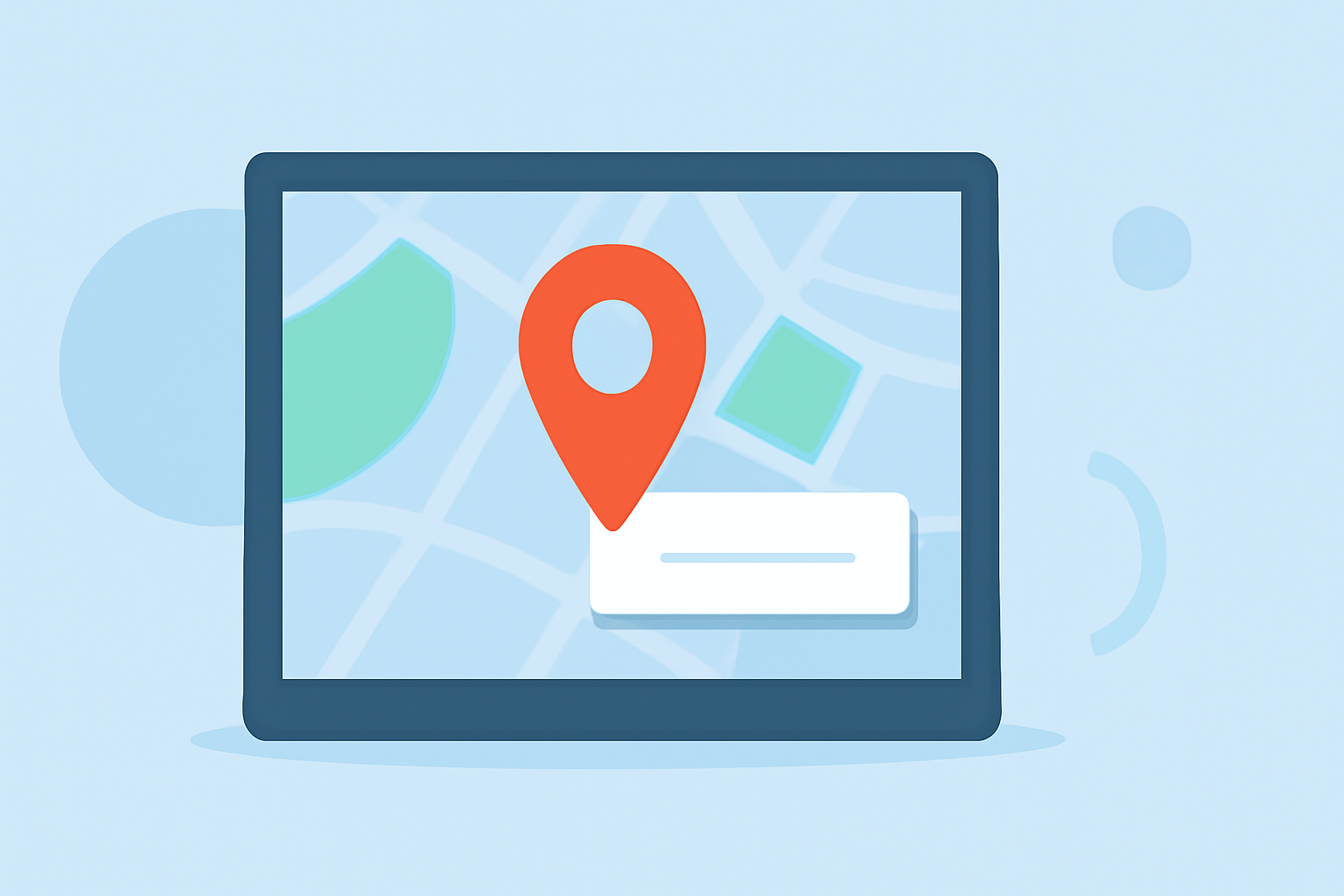
Incorporating map overlay text labels into your travel vlogs can significantly enhance storytelling by providing viewers with clear, contextual information about your journey. This guide will walk you through the basics of adding and editing these labels, ensuring your content is both informative and engaging.
Why Add Map Overlay Text Labels?
Map overlay text labels serve as visual cues, pinpointing specific locations and adding depth to your narrative. They help viewers follow your route, understand the significance of each stop, and connect more deeply with your travel experiences.
Choosing the Right Tool for the Job
Selecting the appropriate software is crucial for seamless integration of map overlays. While there are various options available, it's essential to choose one that aligns with your specific needs and skill level.
Steps to Add Map Overlay Text Labels
-
Select Your Map Tool: Choose a mapping tool that suits your requirements.
-
Create or Import Your Map: Depending on the tool, you can create a new map or import an existing one.
-
Add Markers for Key Locations: Place markers on the map to denote significant points in your journey.
-
Insert Text Labels: Attach text labels to each marker, providing relevant information such as location names, dates, or personal anecdotes.
-
Customize Label Appearance: Adjust the font, size, color, and position of your labels to ensure they are legible and aesthetically pleasing.
-
Save and Export: Once satisfied, save your map and export it for integration into your vlog.
Best Practices for Effective Map Overlays
-
Consistency: Maintain a uniform style for all labels to create a cohesive look.
-
Clarity: Ensure text is legible against the map background by choosing contrasting colors and appropriate font sizes.
-
Simplicity: Avoid overcrowding the map with excessive labels; focus on key locations to maintain viewer engagement.
-
Relevance: Include information that adds value to your story, such as historical facts, personal experiences, or local insights.
Integrating Map Overlays into Your Vlog
After creating your map overlays, incorporate them into your vlog during the editing process. Position the map at appropriate moments to highlight transitions between locations or to provide context to your narrative.
Enhancing Your Vlog with Interactive Maps
For a more dynamic experience, consider using interactive maps that allow viewers to explore your journey in detail. Some tools offer features like zooming, clickable markers, and embedded media, enriching the storytelling experience.
Conclusion
Adding map overlay text labels is a powerful technique to enrich your travel vlogs, offering viewers a clearer understanding of your journey and enhancing the overall narrative. By following the steps outlined and adhering to best practices, you can create engaging and informative content that resonates with your audience.
For a comprehensive solution that simplifies the process of creating interactive travel maps, consider exploring specialized tools designed for this purpose.