22 June 2026
Mastering Map Overlay Text Labels: A 2026 Editing Guide
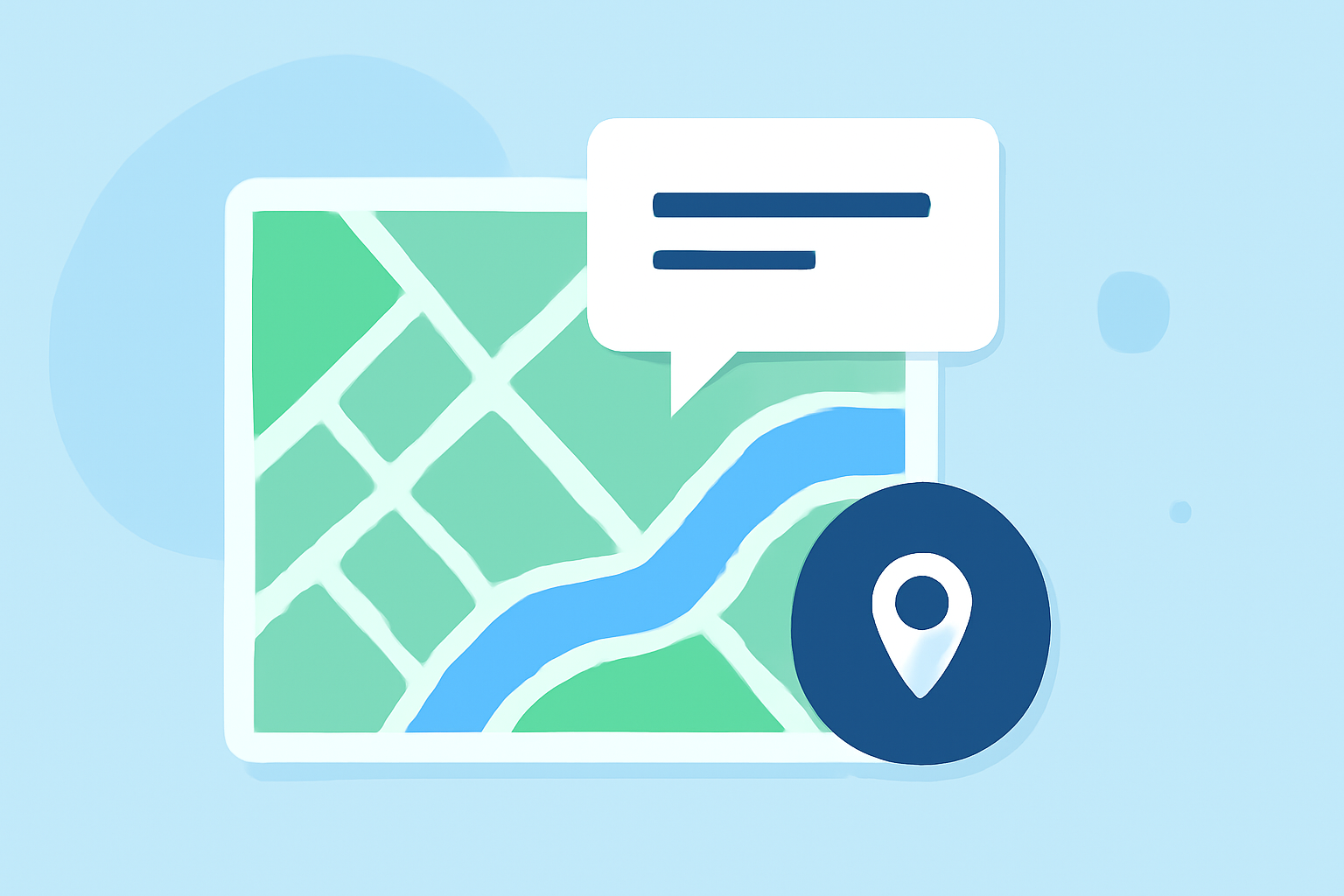
Editing map overlay text labels is essential for creating clear and informative maps. In 2026, several tools and techniques have emerged to streamline this process.
Understanding Map Overlay Text Labels
Map overlay text labels are annotations placed on maps to provide additional information about specific features. They enhance map readability and help convey complex data effectively.
Best Practices for Editing Text Labels
-
Choose the Right Tool: Select mapping software that offers robust label editing capabilities.
-
Maintain Consistency: Use uniform font styles, sizes, and colors to ensure a cohesive map design.
-
Optimize Placement: Position labels to avoid overlap and ensure clarity, especially in densely populated areas.
-
Adjust for Scale: Set reference scales to maintain label readability across different zoom levels.
-
Utilize Advanced Features: Leverage options like stacking labels, reducing text size, or abbreviating terms to fit labels within features. (desktop.arcgis.com)
Recommended Tools for Label Editing
Several mapping tools in 2026 offer advanced label editing features:
-
ArcGIS Pro: Provides comprehensive text placement options and the ability to convert labels to annotation for manual adjustments. (pro.arcgis.com)
-
uMap: An open-source, web-based GIS tool that allows quick creation of interactive maps with customizable labels. (uqlibrary.github.io)
-
Maptitude: Offers control over label visibility, including the option to allow overlapping labels and manual repositioning. (caliper.com)
Enhancing Your Mapping Projects
Incorporating effective label editing techniques can significantly improve the clarity and professionalism of your maps. By selecting the appropriate tools and adhering to best practices, you can create maps that are both informative and visually appealing.
For a comprehensive solution that integrates advanced label editing with other mapping functionalities, consider exploring Planes Live. This platform offers a user-friendly interface and a suite of tools designed to enhance your mapping projects.
By mastering map overlay text label editing, you can elevate the quality of your maps and effectively communicate your data to your audience.