22 June 2026
Mastering Map Overlay Edits for YouTube Shorts: A Comprehensive Guide

Creating engaging YouTube Shorts often involves adding dynamic elements like map overlays to provide context and captivate your audience. This guide will walk you through the process of incorporating map overlays into your Shorts, ensuring your content stands out.
Understanding the Importance of Map Overlays
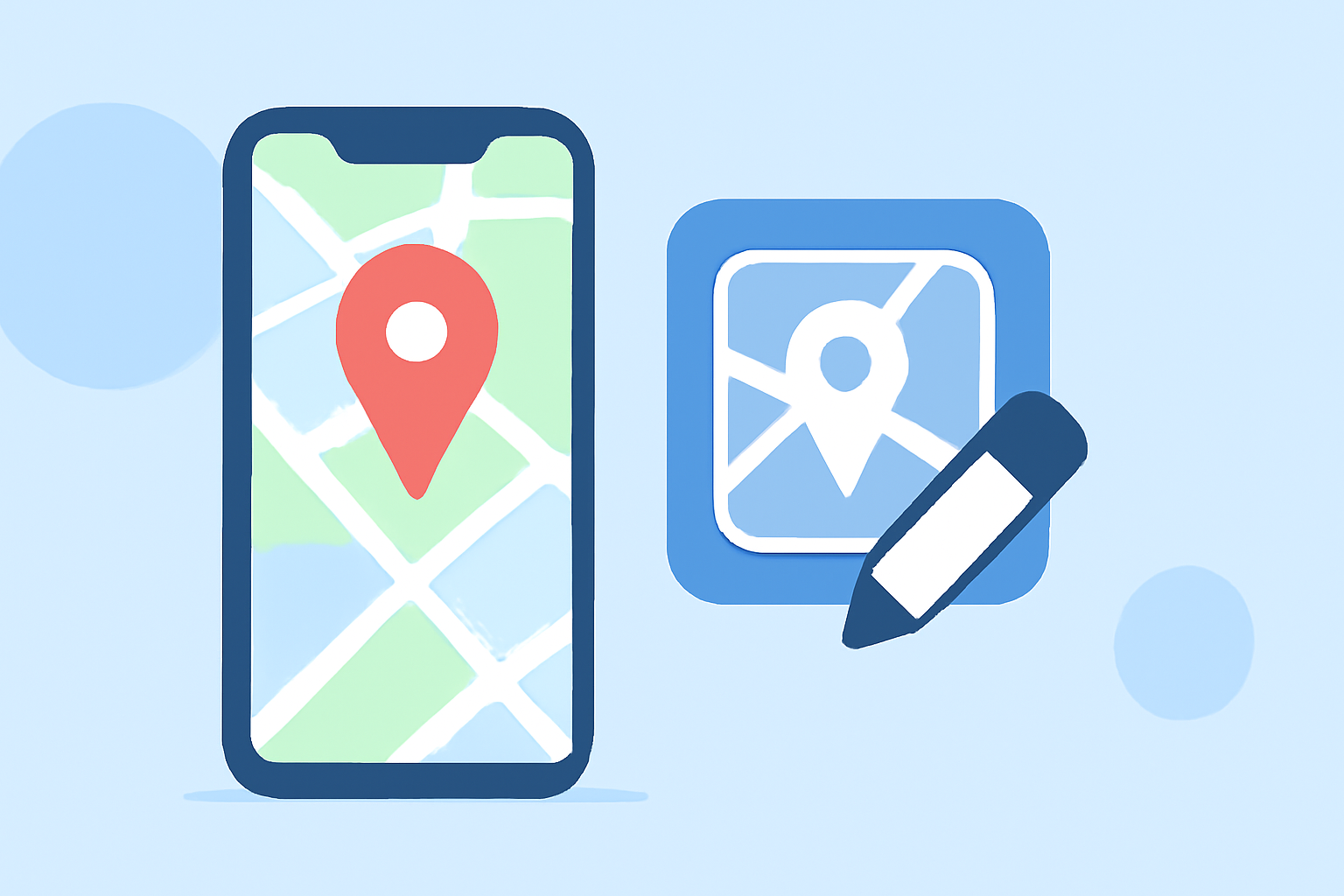
Map overlays are graphical elements that display geographical information within your video. They are particularly useful for travel vlogs, educational content, or any video where location context enhances the narrative. By integrating map overlays, you can:
- Provide Context: Show viewers where events are taking place.
- Engage Viewers: Interactive maps can increase viewer engagement.
- Enhance Aesthetics: Well-designed maps add a professional touch to your videos.
Tools and Software for Creating Map Overlays
To add map overlays to your YouTube Shorts, you'll need video editing software that supports this feature. While there are various tools available, it's essential to choose one that aligns with your workflow and offers the necessary functionalities.
Steps to Add Map Overlays to Your YouTube Shorts
- Select a Video Editing Tool: Choose software that allows for the integration of map graphics.
- Design or Import a Map Overlay: Create a custom map or use pre-made templates.
- Import Your Video: Load your YouTube Short into the editing software.
- Add the Map Overlay: Position the map overlay on your video timeline.
- Adjust Transparency and Positioning: Ensure the map complements your video without obstructing key visuals.
- Export and Upload: Once satisfied, export your video and upload it to YouTube Shorts.
Best Practices for Effective Map Overlays
- Keep It Simple: Avoid cluttering the screen with excessive map details.
- Ensure Readability: Use clear fonts and appropriate colors for text on the map.
- Maintain Consistency: Use the same style of map overlays across your videos for brand consistency.
- Test on Multiple Devices: Ensure the map overlay appears correctly on various screen sizes.
Enhancing Your Workflow with Planes Live
For creators looking to streamline their video production process, Planes Live offers a comprehensive solution. This platform provides intuitive tools for adding overlays, including map graphics, directly within its interface. With Planes Live, you can:
- Easily Integrate Map Overlays: Utilize built-in templates and customization options.
- Edit Videos Efficiently: Access a suite of editing tools designed for quick and effective video creation.
- Ensure Compatibility: Create videos optimized for YouTube Shorts' specifications.
By incorporating map overlays into your YouTube Shorts, you can provide valuable context and enhance viewer engagement. Utilizing platforms like Planes Live can simplify this process, allowing you to focus more on content creation and less on technical details.