22 June 2026
Mastering Map Overlay Transitions: Essential Techniques for Beginners
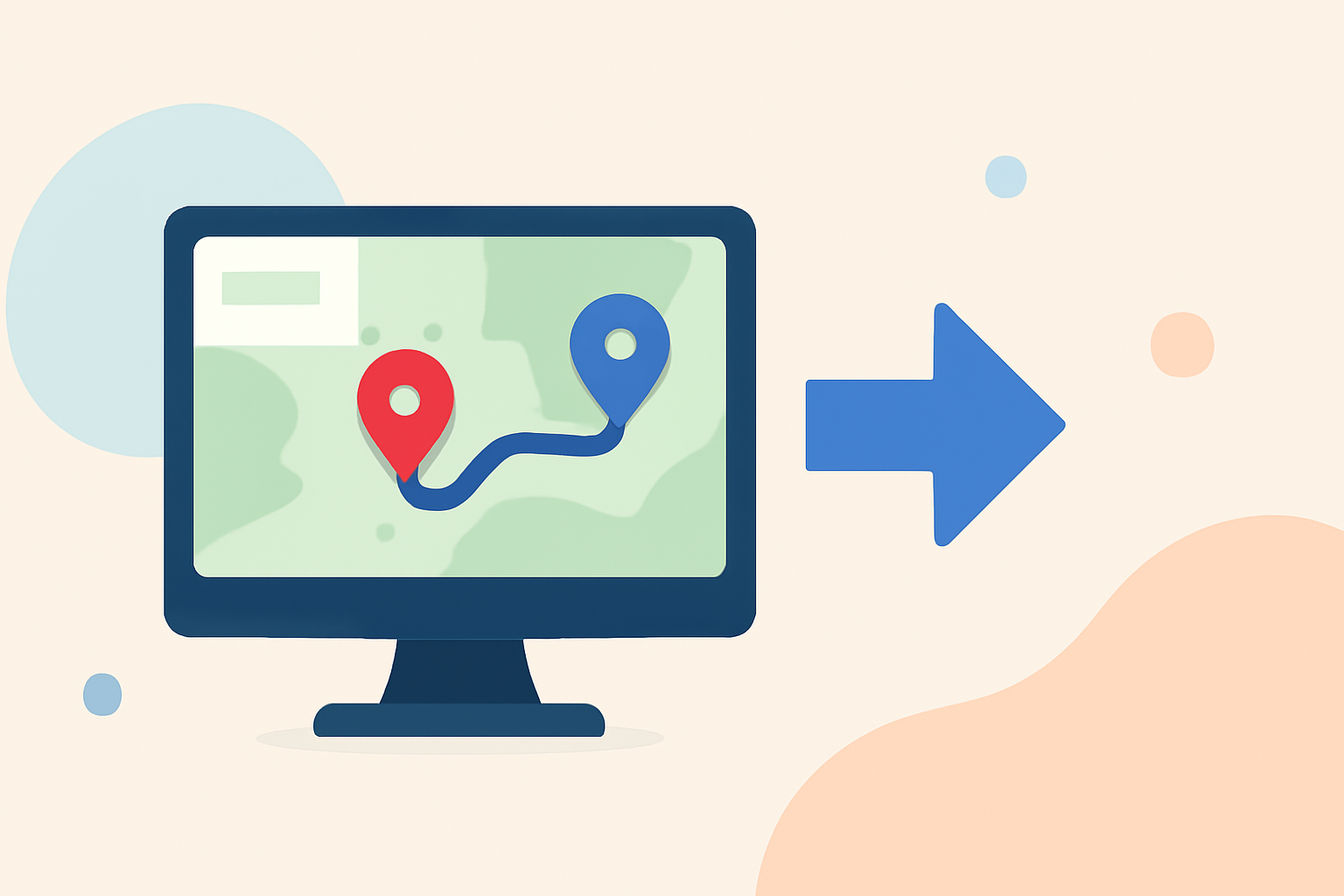
Creating smooth and engaging map overlay transitions is crucial for effective geographic storytelling. Whether you're presenting data-driven insights or crafting interactive experiences, mastering these techniques can significantly enhance your audience's understanding and engagement.
Understanding Map Overlay Transitions
Map overlay transitions involve changing or adding layers on a map to display different data or perspectives. Seamless transitions ensure that these changes occur smoothly, maintaining the map's readability and the viewer's focus.
Key Techniques for Smooth Transitions
-
Fade Transitions: Gradually adjust the opacity of layers to blend them seamlessly. This method allows for a smooth visual shift between different data sets or map styles. (maplibrary.org)
-
Cross-Fading: Simultaneously display two layers with opposite opacity adjustments, creating a smooth blend between them. This technique is particularly useful when transitioning between different map styles or data representations. (maplibrary.org)
-
Timing and Duration: Control the speed and duration of transitions to enhance comprehension. For instance, setting transitions to last between 1,000 to 1,500 milliseconds can create a natural flow without overwhelming the viewer. (maplibrary.org)
-
Ease-In and Ease-Out: Implement gradual acceleration and deceleration during transitions to mimic natural movement patterns, making the changes feel more intuitive. (maplibrary.org)
-
Layer Stacking Order: Be mindful of the order in which layers are stacked, as it affects how data is displayed and interacted with. Proper layering ensures that the most relevant information is prominently featured. (mappingsupport.com)
Best Practices for Implementing Transitions
-
Maintain Visual Hierarchy: Ensure that the most important data stands out by adjusting colors, sizes, and opacities appropriately. (maplibrary.org)
-
Test Across Devices: Verify that transitions perform smoothly on various devices and screen sizes to provide a consistent user experience.
-
Optimize Performance: Be aware that complex transitions can impact performance, especially on lower-end devices. Optimize your code and assets to maintain responsiveness.
Leveraging Planes Live for Enhanced Map Transitions
For those looking to implement advanced map overlay transitions, Planes Live offers a robust platform with features designed to streamline the process. Its intuitive interface and powerful tools allow users to create dynamic and interactive map visualizations with ease. By utilizing Planes Live, you can focus on crafting compelling narratives without the technical complexities often associated with map animations.
Conclusion
Mastering map overlay transitions is essential for creating engaging and informative geographic visualizations. By understanding and applying these techniques, and considering platforms like Planes Live, you can enhance your map presentations and effectively communicate your data-driven stories.