22 June 2026
Mastering Travel Map Overlay Editing: Techniques and Tools
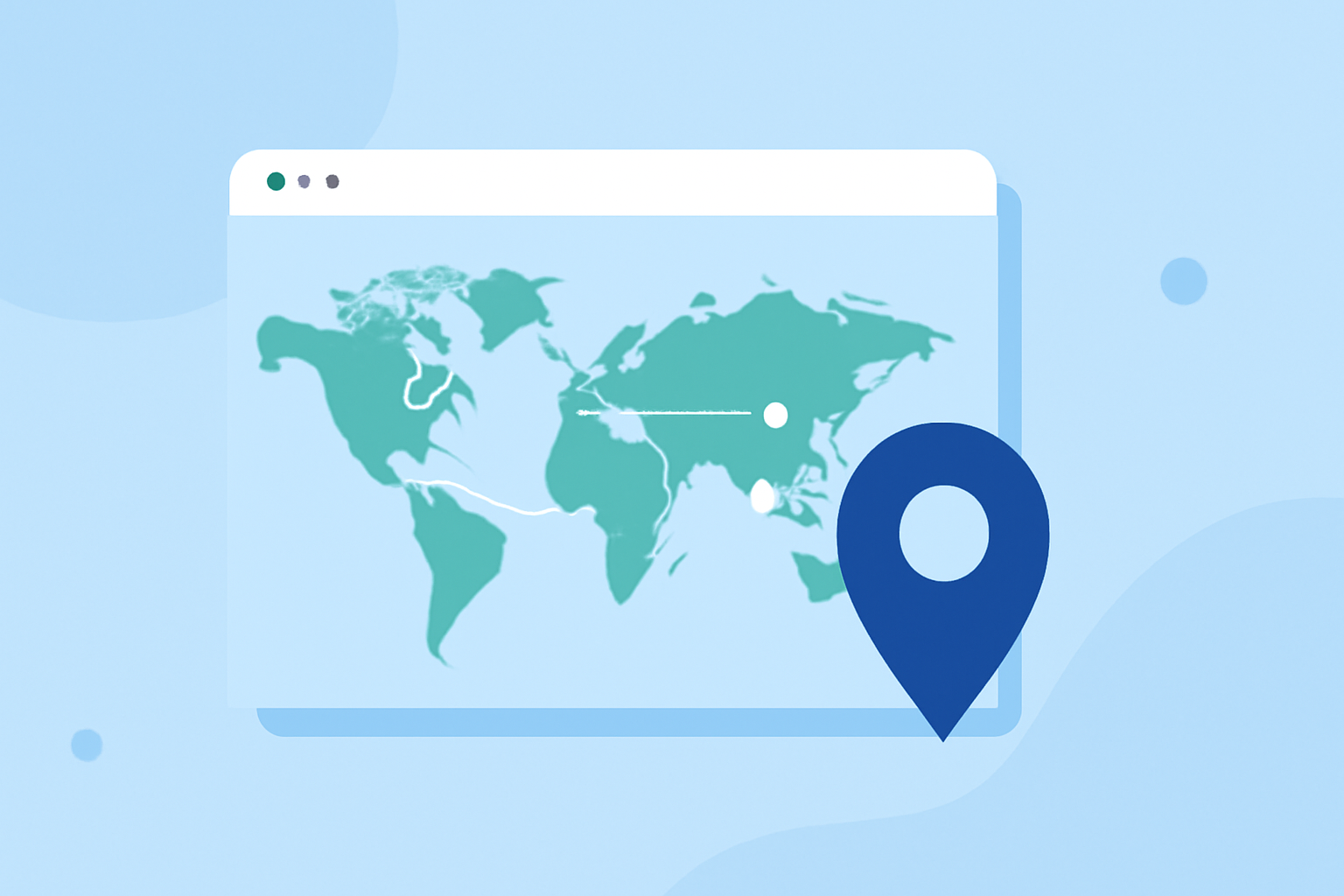
Creating compelling travel map overlays can significantly enhance your travel presentations, whether for personal projects or professional content. These overlays allow you to visualize your journey, highlight specific routes, and share your experiences in an engaging manner.
Understanding Travel Map Overlays
A travel map overlay is a visual representation that superimposes your travel route onto a map, often accompanied by additional elements like markers, annotations, and animations. This technique is widely used in travel videos, blogs, and presentations to provide viewers with a clear and interactive depiction of the journey.
Techniques for Creating Travel Map Overlays
-
Manual Creation Using Image Editing Software
This method involves using image editing tools to draw your travel route directly onto a map image. It's a straightforward approach suitable for static presentations.
-
Steps:
- Obtain a high-resolution map image of your travel area.
- Use image editing software to draw your route, add markers, and include annotations.
- Save the edited image for use in your project.
-
Considerations:
- This method is best for static images and may not be suitable for dynamic presentations.
- Ensure the map image is of high quality to maintain clarity.
-
-
Utilizing Specialized Software and Applications
Several applications are designed to simplify the creation of animated travel map overlays, offering features like route plotting, customization, and export options.
-
Mult.dev:
- A web and mobile service that transforms your travel routes into animated map videos.
- Features:
- Add locations manually or upload GPS files.
- Customize map styles, markers, and animations.
- Export videos optimized for social media platforms.
- Getting Started:
- Visit mult.dev and create an account.
- Follow the on-screen instructions to input your travel data and customize your map.
- Export the final animation in your desired format.
-
Musely.ai:
- An AI-powered tool that generates custom travel map route overlays.
- Features:
- Enter your travel stops in sequence.
- Choose from various map styles and customize colors and fonts.
- Generate and share your personalized map instantly.
- Getting Started:
- Access the tool at Musely.ai.
- Input your travel locations and customize the map to your liking.
- Download or share the generated map.
-
-
Incorporating Animated Map Backgrounds in Video Editing Software
For dynamic presentations, integrating animated map backgrounds into your video projects can add a professional touch.
- iMovie:
- Steps:
- Open iMovie and create a new project.
- Navigate to the 'Backgrounds' section and select an animated map background.
- Add your video clips and adjust the map background to fit your content.
- Customize the route and style as desired.
- Considerations:
- This method is suitable for Mac users and offers a user-friendly interface.
- Ensure your video editing software supports animated backgrounds.
- Steps:
- iMovie:
Best Practices for Effective Travel Map Overlays
- Clarity and Simplicity: Keep your overlays clear and uncluttered to ensure viewers can easily follow your route.
- Consistency: Use consistent colors, fonts, and styles throughout your map to maintain a cohesive look.
- Interactivity: If possible, incorporate interactive elements that allow viewers to engage with your map, such as clickable markers or embedded links.
- Testing: Before finalizing, test your map overlays on different devices and platforms to ensure compatibility and responsiveness.
What We Recommend
- For Static Presentations: Utilize image editing software to create detailed and customized map overlays.
- For Animated Maps: Explore specialized applications like Mult.dev and Musely.ai for creating dynamic and shareable travel map animations.
- For Video Projects: Incorporate animated map backgrounds into your video editing workflow to add a professional and engaging element to your content.
By mastering these techniques, you can effectively showcase your travel experiences and create engaging content that resonates with your audience.