22 June 2026
Mastering Train Journey Timelapse Edits for Daily Posting
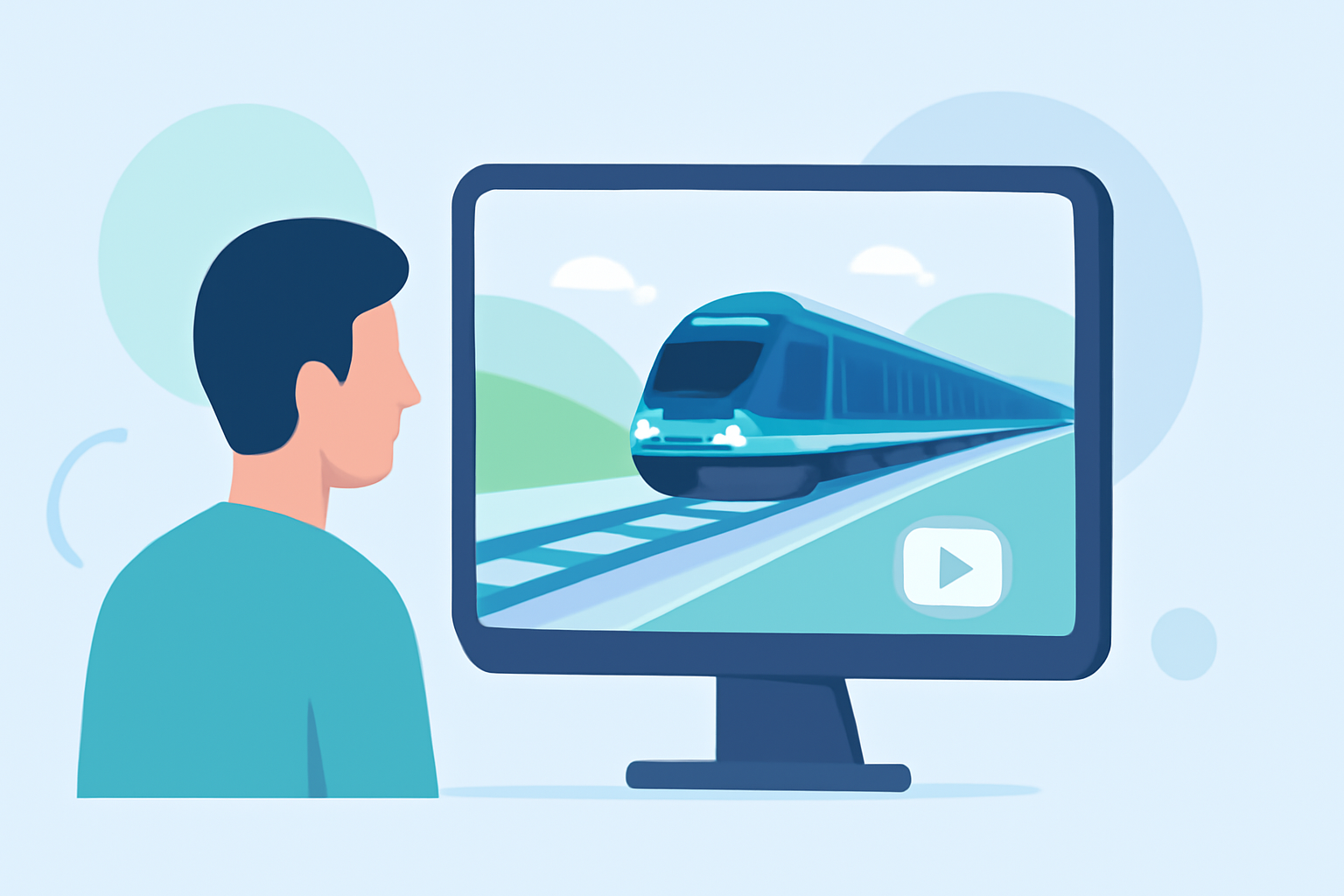
Creating engaging train journey timelapse videos can captivate your audience and enhance your daily content. This guide provides essential techniques to help you produce smooth, visually appealing timelapses that stand out.
1. What Are the Key Steps in Creating a Train Journey Timelapse?
To craft an effective timelapse:
- Planning: Choose a route with dynamic scenery and minimal obstructions.
- Shooting: Use a stable setup to capture consistent frames.
- Editing: Process and compile the footage to highlight the journey's essence.
2. How Do I Ensure Stability During Shooting?
Stability is crucial to prevent shaky footage:
- Use a Tripod: Mount your camera on a sturdy tripod to minimize movement.
- Secure the Setup: Ensure the tripod is firmly positioned to avoid vibrations.
3. What Camera Settings Should I Use?
Manual settings help maintain consistency:
- Exposure: Set a fixed exposure to prevent flickering.
- Focus: Use manual focus to keep the scene sharp.
- White Balance: Adjust to match the lighting conditions, avoiding auto settings.
4. How Do I Determine the Interval Between Shots?
The interval depends on the desired motion speed:
- Fast-Moving Scenes: Use shorter intervals (1-2 seconds) to capture rapid changes.
- Slow-Moving Scenes: Longer intervals (5-10 seconds) are suitable for gradual transitions.
5. How Do I Achieve Smooth Motion in My Timelapse?
To create fluid motion:
- Long Exposure: Use a longer shutter speed to introduce motion blur, making movement appear smoother.
- Neutral Density (ND) Filters: Employ ND filters to allow for longer exposures in bright conditions.
6. What Are the Best Practices for Post-Processing?
Editing enhances the final product:
- Deflickering: Use software tools to smooth out exposure variations between frames.
- Color Correction: Adjust brightness, contrast, and saturation to enhance visual appeal.
- Stabilization: Apply stabilization techniques to correct any residual shakiness.
7. How Do I Add Music and Sound Effects?
Audio elements can elevate your timelapse:
- Select Appropriate Music: Choose tracks that complement the video's mood and pace.
- Incorporate Sound Effects: Add subtle sounds to enhance realism and engagement.
8. How Do I Export and Share My Timelapse?
Finalizing your video involves:
- Resolution: Export in high resolution to maintain image quality.
- Frame Rate: Use a standard frame rate (e.g., 24 or 30 fps) for smooth playback.
- Compression: Optimize file size for faster uploading without compromising quality.
9. How Can I Maintain Consistency for Daily Posting?
Consistency is key for regular content:
- Batch Processing: Shoot multiple timelapses in one session to streamline editing.
- Template Usage: Create editing templates to expedite post-production.
10. How Do I Engage My Audience with Timelapse Videos?
To captivate viewers:
- Narrative: Tell a story through your timelapse to add depth.
- Quality: Ensure high production values to reflect professionalism.
By following these guidelines, you can create compelling train journey timelapse videos that resonate with your audience and enhance your daily content.