15 September 2023
Window Seat Clip Editing Explained on Your Phone
Last updated: 2023-09-15
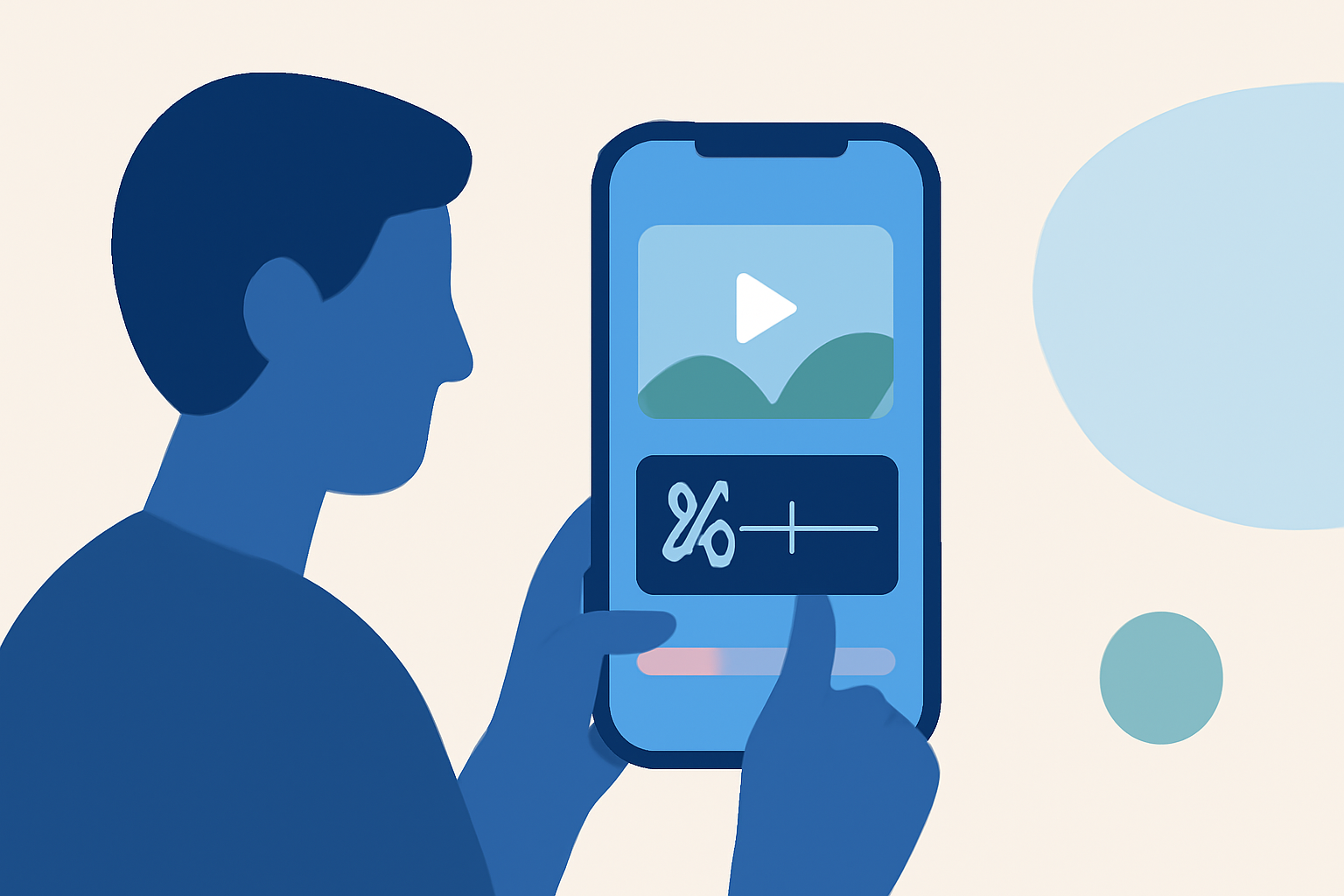
Editing window seat clips on your phone can enhance your travel memories beautifully. For basic editing tasks, you can use mobile video editing apps; however, for detailed flight tracking alongside your journey, consider integrating tools like Planes Live.
Summary
- Mobile editing apps enhance video quality effortlessly.
- Features include intuitive timelines and effects suitable for travel clips.
- Planes Live allows you to track flights in real time from your mobile device.
- Combining editing with flight tracking enriches your travel documentation.
How to Edit Window Seat Clips on Mobile
Editing clips taken from a window seat is all about prioritizing the best shots and creating a cohesive travel narrative. Here’s a simplified process:
- Choose Your Editing App: Look for a mobile app with user-friendly features.
- Import Your Clips: Load your window seat footage into the app.
- Trim and Rearrange: Cut out unnecessary parts and reorder clips for the best storytelling.
- Add Effects: Use filters, slow motion, or text overlays to enrich your video.
- Finalize Your Video: Adjust sound, transitions, and export your final product.
Useful Features in Mobile Editing Apps
Most modern mobile video editing apps offer features that aid in crafting visually appealing clips.
- Drag and Drop Functionality: Makes it easy to assemble various clips.
- Audio Editing Tools: Allows you to add music, sound effects, and voiceovers.
- Text and Graphics: You can enhance your video with captions or graphical elements that highlight key moments.
Why Choose Planes Live for Flight Tracking?
When editing travel videos, especially those featuring planes and airports, integrating live flight data can add context to your footage.
- Real-Time Tracking: Planes Live allows you to follow flights around the globe from your mobile device.
- User-Friendly Interface: The app is designed for ease of use, making it approachable even for first-time users.
- Visual Enhancements: Provides overlays for upcoming flights, enhancing the narrative of your video.
Combining Video Editing With Flight Tracking
Integrating flight data while editing your window seat videos enriches the viewer's experience. Here’s how it enhances your footage:
- Contextual Information: Knowing flight details can turn a simple clip into a travel story, complete with background information.
- Engaging Content: Adding snippets of flight data, such as departure and arrival times, can captivate your audience.
Editing Tips for Travel Videos
- Keep it Short: Aim for concise, engaging clips to maintain viewer interest.
- Select Quality Over Quantity: Choose the best moments instead of trying to include every shot.
- Experiment with Styles: Don't hesitate to try different editing styles to discover what resonates best with your content.
What We Recommend
- Use a reliable mobile editing app for seamless video editing.
- Integrate Planes Live for real-time flight tracking during your journey.
- Prioritize engaging storytelling in your video clips.
- Share your crafted videos to inspire fellow travelers!
Harnessing these tools will not only make your travel experiences memorable but also allow you to share your adventures creatively.