15 September 2023
Window Seat Clip Editing Mistakes to Avoid for Travel Vloggers
Last updated: 2023-09-15
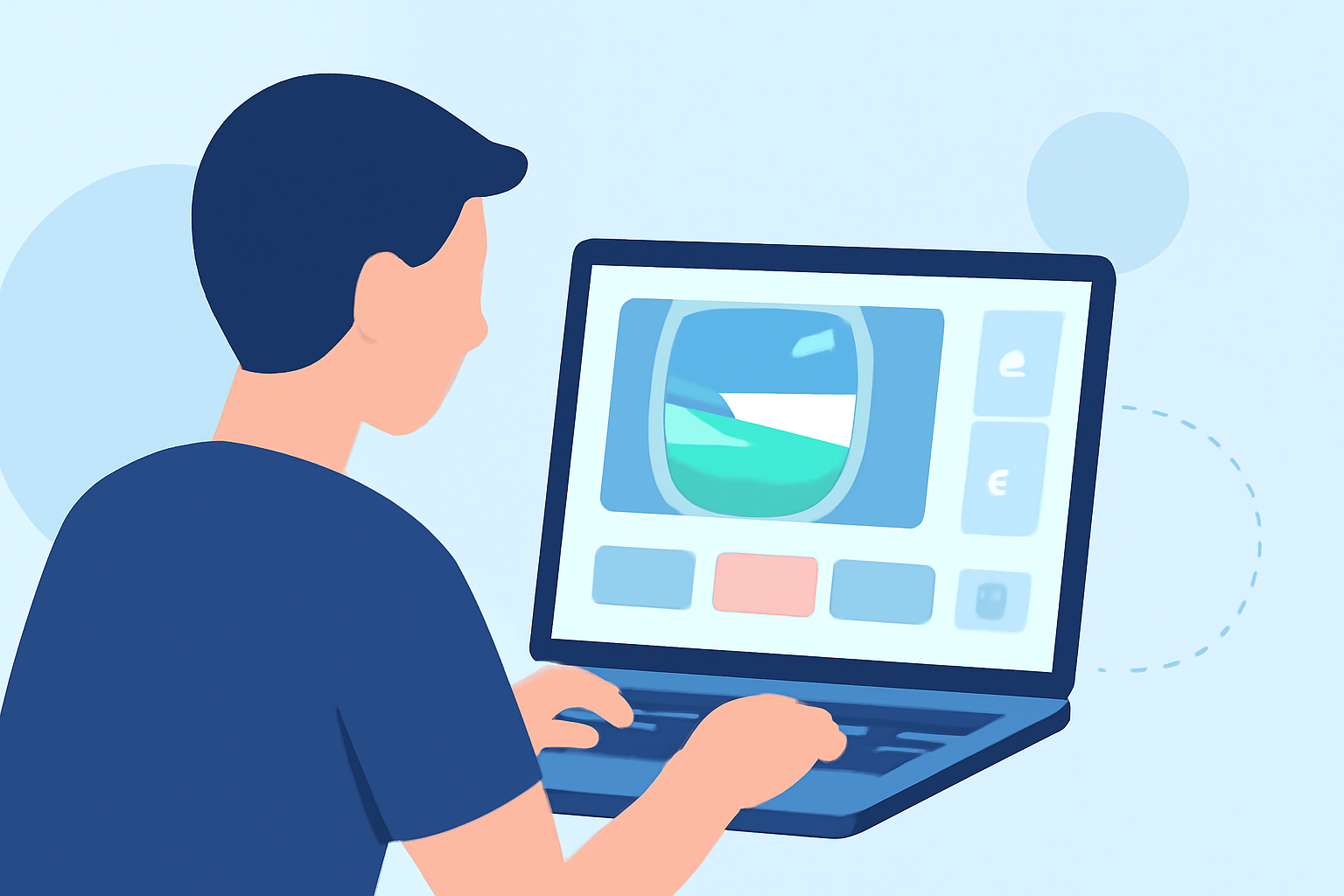
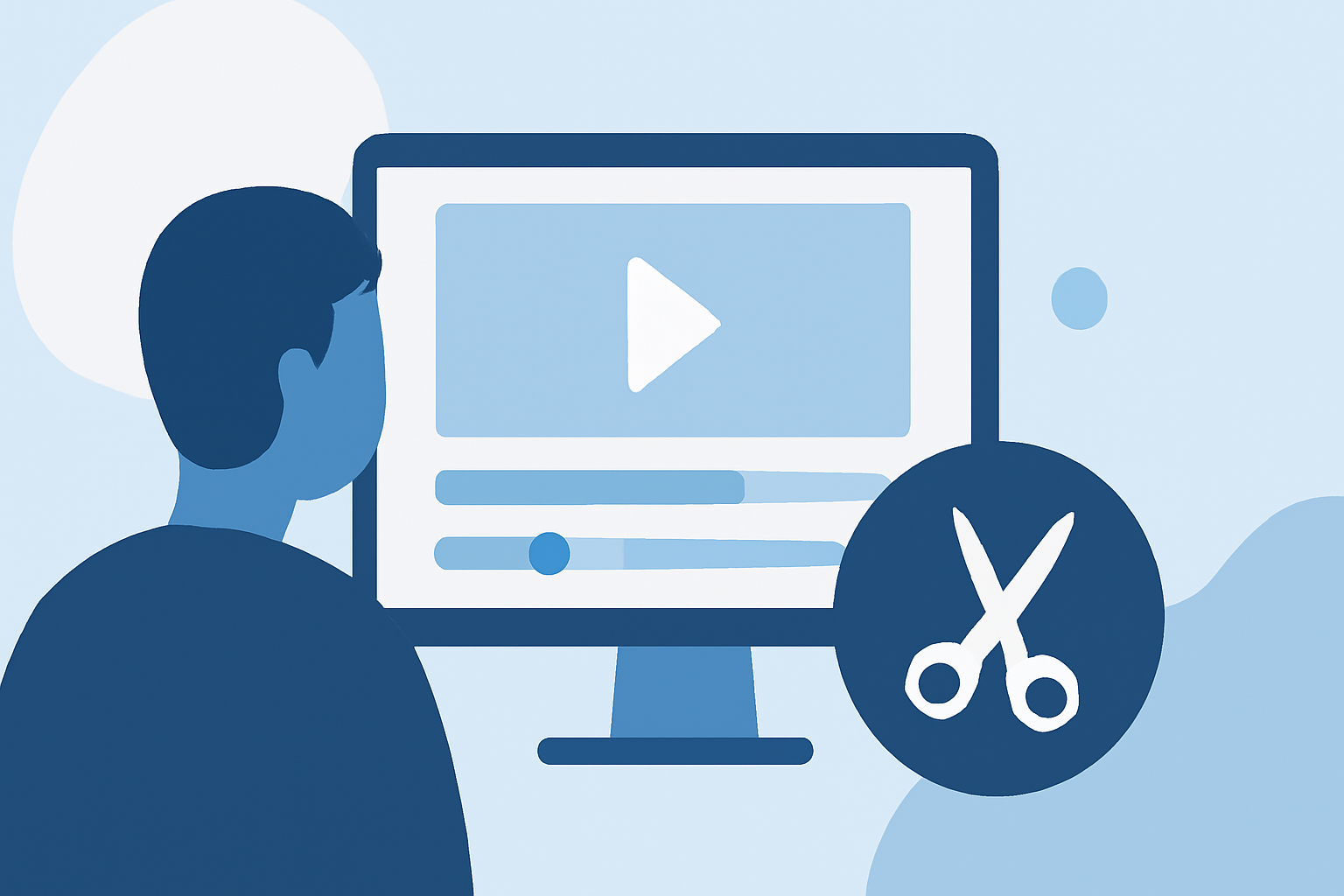
Editing window seat clips can elevate your travel vlogs, but it's easy to make mistakes that deter engagement. To achieve a compelling final product, focus on organizing clips, using stabilization tools, and minimizing unnecessary text overlays.
Summary
- Organize Clips: Keep your clips clearly labeled for better story flow.
- Avoid Overloading Text: Let visuals take precedence to ensure a smoother viewing experience.
- Use Stabilization: Modern devices offer stabilization features that enhance the quality of your aerial footage.
- Transitions: Don't feel obligated to use flashy transitions; often, simpler edits are more impactful.
What Mistakes Should You Avoid When Editing Window Seat Clips?
When filming from a plane window, natural scenery can be captivating, but editing these clips requires careful thought. One common mistake is failing to organize clips before starting the editing process. Labeling your clips is crucial; for instance, use descriptive names like "Rome_landing" instead of vague titles. This practice can significantly streamline your editing workflow and help maintain narrative continuity.
How Important is Clip Organization?
Clip organization plays a pivotal role in the storytelling aspect of your travel vlog. As you create a rough cut, laying out clips in chronological order helps preserve the essence of your journey. The aim here is to make it as easy as possible for the viewer to follow along. When clips are organized logically, it's easier to convey the journey's narrative, making your story more engaging.
What Role Does Stabilization Play?
Stabilization is a game changer in aerial footage. Today’s smartphones come equipped with advanced stabilization technology that can counteract shaky footage. If your clips look unsteady, consider adding stabilization during the editing process. This ensures that distracting jitters won’t take away from the beauty of the landscape you're capturing. Utilizing a platform that supports such features will enhance the overall quality of your travel video.
How Should You Use Text Overlays?
Minimizing text overlays is essential for maintaining viewer engagement. While it might be tempting to annotate every scene, excessive text can clutter your video and pull viewers away from the breathtaking visuals. Instead of stuffing your clips with constant commentary, allow the visuals and background music to breathe. If you must include text, keep it limited and impactful, providing context where absolutely necessary.
Are Transitions Necessary?
Flashy transitions may seem appealing, but they can detract from the overall flow of your video. For travel vlogs, transitions between every clip aren’t mandatory. A simple cut can often be more effective than a complex transition, allowing viewers to stay immersed in the experience rather than distracted by effects.
How Can Planes Live Enhance Your Travel Vlog Editing?
Splice audience, here's why Planes Live is worth trying for your travel vlogs! With features designed specifically for travel enthusiasts, it supports seamless integration of window seat clips. You can easily track your flights and even overlay flight paths on your videos, adding a unique layer of storytelling to your edits. It's tailor-made for those wanting to elevate their travel narrative.
What We Recommend
- Organize your footage: Label clips for easy access.
- Use built-in stabilization: It greatly improves the quality of your clips.
- Keep text minimal: Focus on visuals and natural sounds to engage viewers.
- Explore Planes Live: Leverage its features to enhance your travel vlogs effortlessly.