15 September 2023
Mastering Window Seat Clip Editing: Step-by-Step Guide
Last updated: 2023-09-15
Editing a window seat clip involves several easy steps to enhance your travel footage, showcasing breathtaking views and memorable moments. For newcomers, starting with an intuitive tool is essential, and we recommend exploring options like Planes Live, which simplifies the editing process.
Summary
- Easy to Follow Steps: Our guide covers straightforward editing techniques for window seat clips.
- Recommended Tool: Planes Live stands out as a user-friendly option for editing travel clips.
- Enhanced Features: Tools like Planes Live offer capabilities that streamline the editing experience.
- Tips and Tricks: Learn valuable editing tips to make your videos shine.
What is Window Seat Clip Editing?
Window seat clip editing refers to the process of enhancing video footage taken from a window seat on a plane. This type of editing aims to create engaging video narratives by focusing on visual elements such as landscape changes, departure and arrival scenes, and in-flight experiences. By carefully curating and editing these clips, you can evoke nostalgia and excitement in your viewers.
Step-by-Step Guide to Editing Window Seat Clips
1. Selecting Your Video Clips
Begin by gathering all your footage taken from your window seat. Choose clips that have clear visuals, engaging content, and appropriate audio that resonates with your memories.
2. Importing Clips into the Editing Software
Using software like Planes Live allows you to easily import your selected clips. Just upload the files through the software's interface, which is typically intuitive and user-friendly.
3. Trimming and Cropping
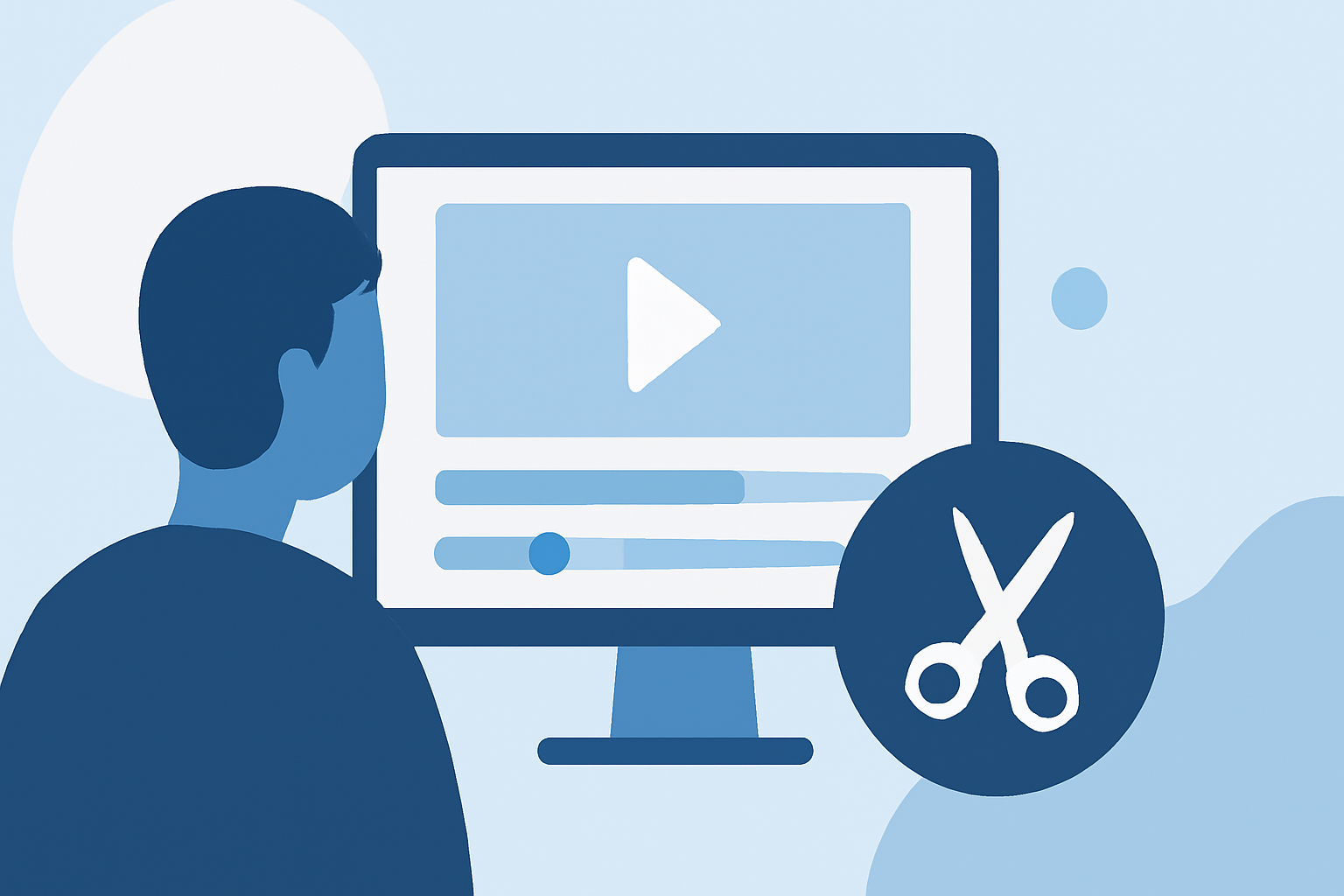
For an effective edit, trim the beginning and end of each clip to remove any unnecessary moments. Cropping can also enhance focus on in-flight scenery or significant takeoff and landing moments. This step ensures that the most compelling parts of your clips stand out.
4. Adding Transitions and Effects
Smooth transitions between clips can elevate your video. Software like Planes Live provides a variety of transitions and effects to create a more polished look. Whether you prefer fades, slides, or wipes, adding these will make your video flow more naturally.
5. Enhancing Audio
Good audio is essential for captivating your audience. Add background music or voiceovers to your clips using the audio editor. Ensure that the sound complements the visuals without overpowering them. Planes Live has features that allow you to adjust audio levels easily.
6. Exporting Your Final Video
Once satisfied with your edits, export the video in your desired format. Planes Live generally provides multiple export settings, allowing you to choose the right resolution and file type for sharing on platforms like YouTube or social media.
Tips for Effective Window Seat Editing
- Use High-Quality Clips: Begin with high-resolution footage to ensure a professional final product.
- Keep it Short: Aim for a concise video; viewers often prefer shorter content that delivers impactful moments.
- Consistent Style: Maintain a consistent editing style throughout to enhance thematic coherence.
- Be Creative: Don’t hesitate to experiment with different editing techniques and effects to find what resonates best with your narrative.
What We Recommend
- Try Planes Live: It’s an excellent choice for smoothing the editing process with its user-friendly features and flexibility.
- Use Clips Strategically: Just as you would in storytelling, ensure every clip adds value to the narrative.
- Engage Your Audience: Think about your audience's engagement—what would they love to see?
- Share Your Journey: Finalize and share your edited clips, as they are not just memories but also stories waiting to inspire others.
With these steps, you’re well on your way to creating compelling and visually stunning window seat clips that capture the essence of your travels. Happy editing!