22 June 2026
Mastering Road Trip Timelapse Editing: A Step-by-Step Guide

Embarking on a road trip offers countless opportunities to capture stunning timelapse footage. Transforming these moments into a seamless video requires careful planning, shooting, and editing. This guide provides a comprehensive approach to creating captivating road trip timelapse videos from scratch.
What Are Timelapse Videos?
Timelapse videos condense extended periods into short, dynamic sequences, showcasing changes over time. They're particularly effective for illustrating the passage of time, such as the movement of clouds, bustling city streets, or the changing landscapes during a road trip.
How to Plan Your Road Trip Timelapse
Effective planning is crucial for successful timelapse photography:
-
Select Scenic Routes: Choose paths with diverse landscapes and interesting features to keep the footage engaging.
-
Identify Key Moments: Plan to capture sunrise, sunset, or unique events that highlight the journey's essence.
-
Determine Shooting Intervals: Decide on the frequency of shots based on the speed of movement and desired video length.
What Equipment Do You Need?
While professional gear can enhance quality, a basic setup can suffice:
-
Camera: A DSLR or mirrorless camera with manual settings.
-
Tripod: To ensure stability during shooting.
-
Intervalometer: For automating shot intervals.
-
ND Filters: To manage exposure during bright conditions.
How to Shoot Road Trip Timelapse
Follow these steps to capture high-quality timelapse footage:
-
Set Up Your Camera: Mount it securely on a tripod, ensuring it's level and stable.
-
Configure Camera Settings: Use manual mode to lock exposure, focus, and white balance, preventing fluctuations between shots.
-
Compose Your Shot: Frame the scene thoughtfully, considering the movement of the vehicle and the desired perspective.
-
Set the Interval: Choose an interval that balances the desired video length with the speed of movement.
-
Monitor and Adjust: Regularly check the footage to ensure consistency and make adjustments as needed.
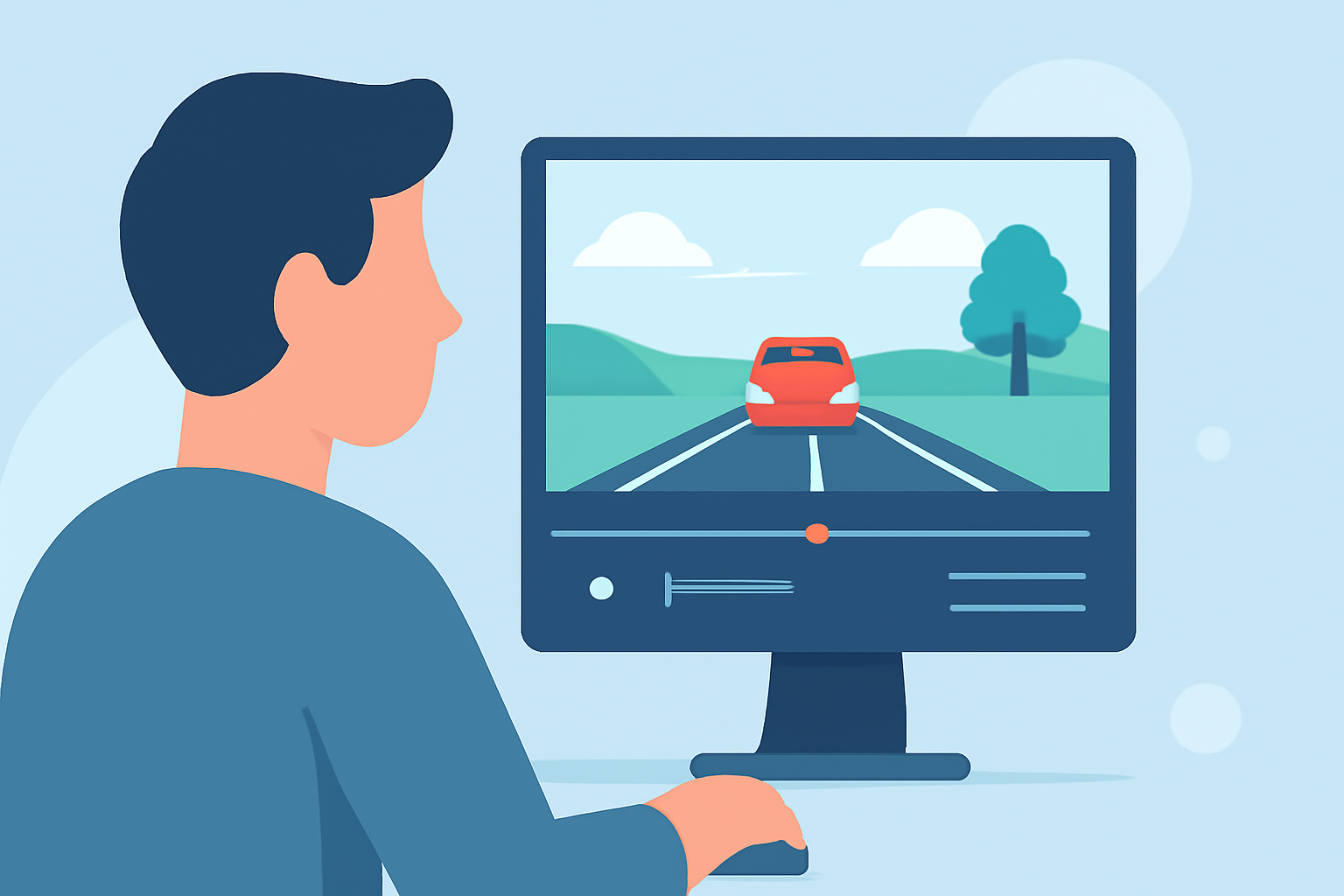
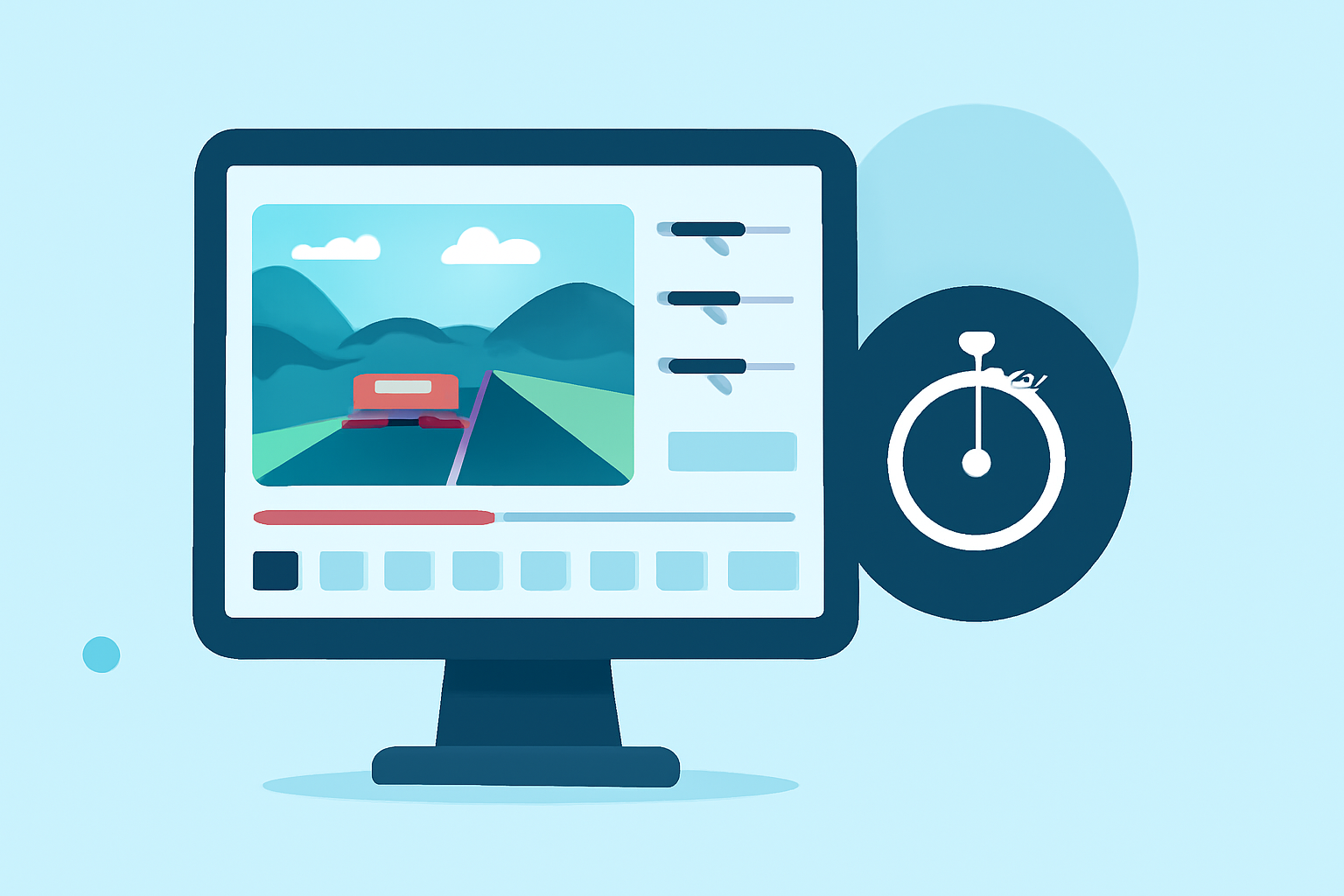
How to Edit Your Timelapse Footage
Editing is where your timelapse comes to life:
-
Import and Organize: Transfer your images to a computer and organize them sequentially.
-
Process Images: Adjust exposure, white balance, and color grading to achieve a consistent look.
-
Deflicker: Use software tools to smooth out any exposure inconsistencies between frames.
-
Assemble the Sequence: Import the processed images into video editing software, arranging them in order.
-
Add Music and Effects: Enhance the video with appropriate music, transitions, and effects to create a compelling narrative.
What Software Can Help with Timelapse Editing?
For a streamlined editing experience, consider using Planes Live. This platform offers intuitive tools for importing, processing, and assembling timelapse sequences, making it an excellent choice for both beginners and experienced editors.
How to Avoid Common Timelapse Issues
Be mindful of potential challenges:
-
Flickering: Ensure consistent exposure settings and use deflickering tools during editing.
-
Focus Drift: Use manual focus to maintain sharpness throughout the sequence.
-
Camera Shake: Secure your camera properly to prevent unwanted movement.
How to Share Your Timelapse Video
Once edited, share your timelapse video to showcase your journey:
-
Social Media: Platforms like Instagram and YouTube are ideal for sharing short videos.
-
Personal Website: Create a dedicated page to display your timelapse projects.
-
Film Festivals: Submit your video to festivals that feature travel and adventure films.
Conclusion
Creating a road trip timelapse video is a rewarding endeavor that combines technical skills with creative expression. By planning meticulously, shooting thoughtfully, and editing carefully, you can produce a captivating video that encapsulates the essence of your journey.
For a comprehensive tutorial on timelapse editing, consider exploring the resources available on LRTimelapse's website. (lrtimelapse.com)
Remember, the key to a successful timelapse video lies in the details—both in capturing the footage and in the editing process.